
How to fix car radio buttons not working usually comes down to a short list of issues: a lockout mode, dirty or worn button contacts, a power/ground problem, or a head unit software glitch. The good news is you can rule out most of them in under an hour with a flashlight and a little patience.
People often assume the radio “died,” but in many cases the screen still lights up, steering wheel controls may still work, or only a few keys stop responding. Those clues matter because they point to very different fixes, from a simple reset to a wiring repair.
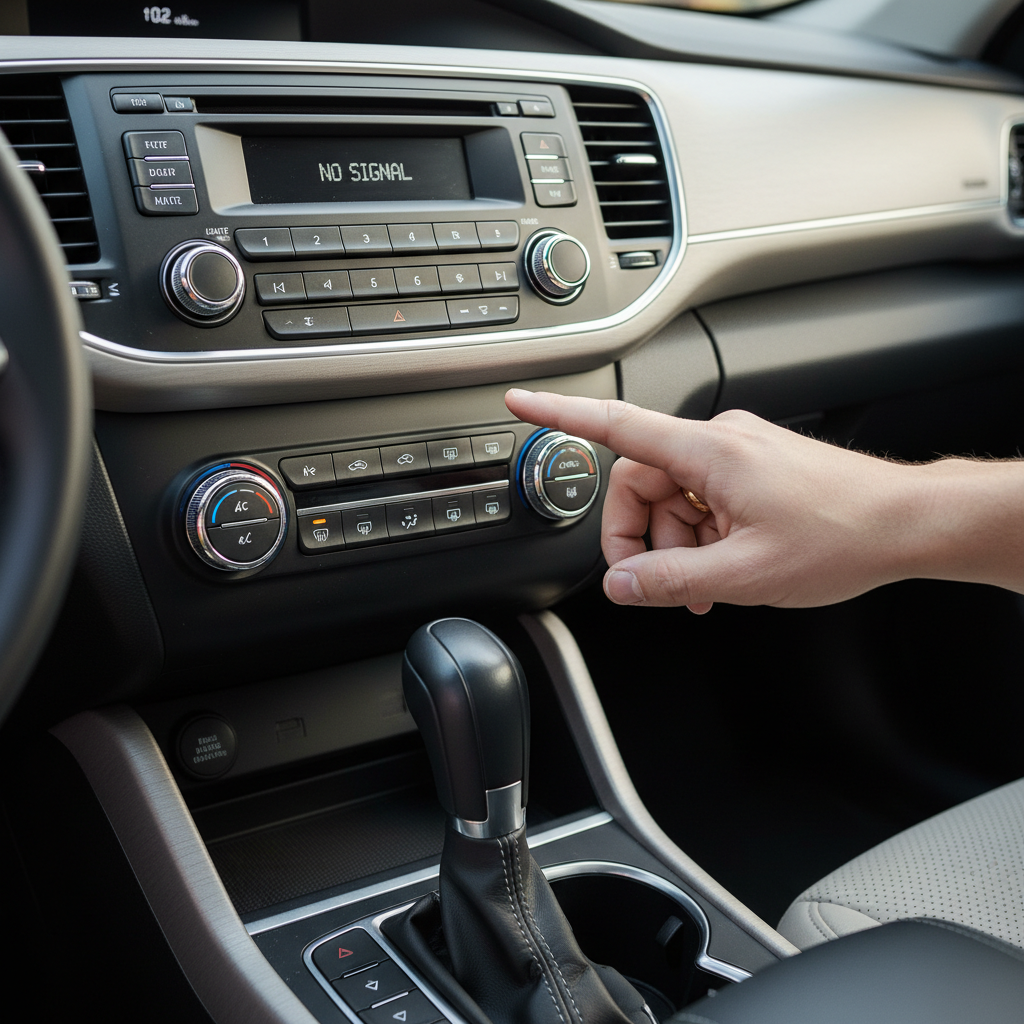
This guide keeps it practical: quick checks first, then deeper diagnostics. You’ll also get a simple decision table, a safe set of DIY steps, and clear signals for when it’s smarter to involve an audio shop or dealer.
Start with the fastest checks (you might be done in 5 minutes)
Before pulling trim or buying parts, do the easy stuff that fixes a surprising number of “dead button” complaints.
- Check for a lockout/valet mode: Some head units disable certain controls when parked brake isn’t set, when a safety lock is active, or after a theft-deterrent event. Look for a small “LOCK,” “SAFE,” or padlock icon.
- Turn the car fully off, open the driver door, wait 60 seconds, then restart: This forces some modules to go to sleep and wake cleanly, which can clear a stuck input state.
- Try a different input path: If screen touch works but physical buttons don’t (or the opposite), note that. If steering wheel buttons still work, the radio likely has power and is partially functioning.
- Inspect obvious spills: Sticky residue around volume/preset keys is a big hint, especially on older vehicles or cars used for rideshare or family hauling.
If you notice the radio display dimming, flickering, or rebooting when you press a button, don’t ignore it, that often points to voltage or grounding issues rather than “bad buttons.”
Quick diagnosis table: symptoms → most likely cause
Use this as a shortcut so you don’t chase the wrong repair.
| What you see | What it often means | What to try first |
|---|---|---|
| All buttons dead, screen also off | No power to head unit (fuse, wiring, battery issue) | Check radio/ACC fuse, measure voltage |
| Screen on, some buttons dead | Worn/dirty contacts or failing button board | Clean around buttons, consider replacement panel |
| Buttons work sometimes, worse in heat/cold | Cracked solder joint, marginal connection | Check harness seating, inspect connectors |
| Buttons dead after battery change/jump start | Software glitch or anti-theft state | Soft reset, battery disconnect reset, re-learn |
| Steering wheel controls work, radio buttons don’t | Front panel/button membrane issue | Front panel cleaning or service |
Self-check checklist before you disassemble anything
Run this list and write down what you find, it speeds up the rest.
- Does the radio have power? Any lights, boot logo, backlight, or sound?
- Are only specific keys affected? Volume, seek, preset row, eject, power knob push?
- Does the issue change when you hit bumps? Intermittent behavior hints at a connector or ground problem.
- Do other cabin buttons act weird too? If multiple modules misbehave, look at battery health or voltage drops.
- Any recent event? Battery replacement, jump start, stereo install, detail cleaning, spill, interior repair.
- Aftermarket or factory head unit? Aftermarket wiring adapters and inline fuses add extra failure points.
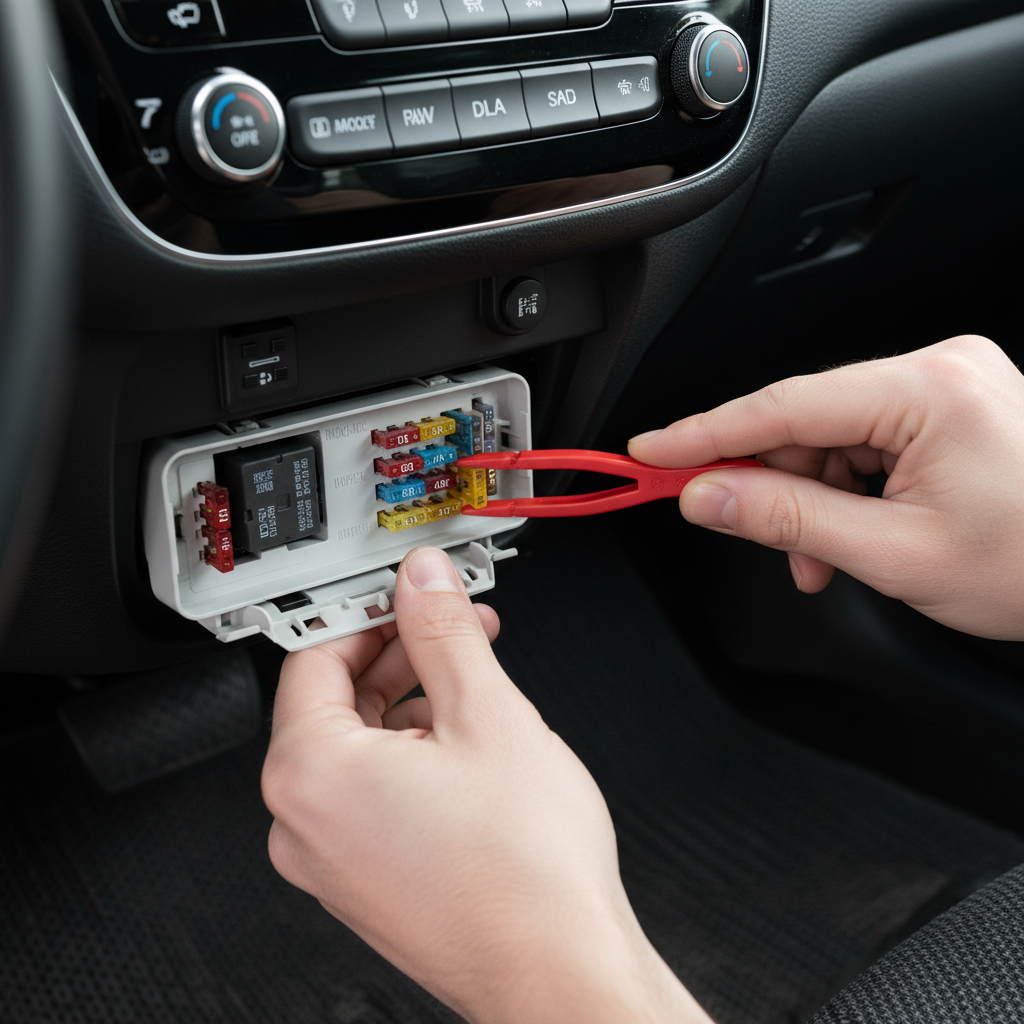
If you can answer those questions, you’ll almost always know whether you’re dealing with a simple reset/cleaning job or something that needs tools and access behind the dash.
Fixes you can try at home (in a safe order)
1) Do a proper reset (soft reset, then power reset)
A “reset” means different things depending on the radio. Many units have a small reset pinhole or a long-press button combo.
- Soft reset: Hold the power/volume knob for 10–20 seconds (common on many OEM systems). If it reboots, test the buttons immediately.
- Battery power reset: If you know your radio code requirements and have the right tools, disconnect the negative battery terminal for 10 minutes, then reconnect. This can clear a stuck microcontroller state after a jump start or low-voltage event.
According to NHTSA, when working around vehicles you should follow basic safety precautions to avoid electrical hazards. If you’re unsure about battery disconnect steps on your model, a shop manual or a professional is the safer call.
2) Clean the button area (without flooding the unit)
If certain buttons feel sticky, inconsistent, or require extra pressure, contamination is a realistic culprit.
- Turn the vehicle off.
- Use a microfiber cloth slightly dampened with water or a screen-safe interior cleaner, wipe around button edges.
- Use a soft brush to lift debris from seams.
- Avoid soaking and avoid spraying cleaner directly into gaps, that’s how liquid reaches the contact membrane.
Contact cleaner can help in some situations, but many factory radios aren’t designed for liquid cleaners applied from the front. If you don’t have experience opening electronics, stop at surface cleaning.
3) Check fuses (radio, ACC, and sometimes “audio/infotainment”)
When all controls are dead, fuse checks become step one. Look in both the cabin fuse panel and the under-hood box.
- Check the fuse labeled RADIO, ACC, INFO, or AUDIO.
- If a fuse is blown, replace with the exact same amperage rating.
- If it blows again quickly, don’t keep feeding fuses, that suggests a short that needs diagnosis.
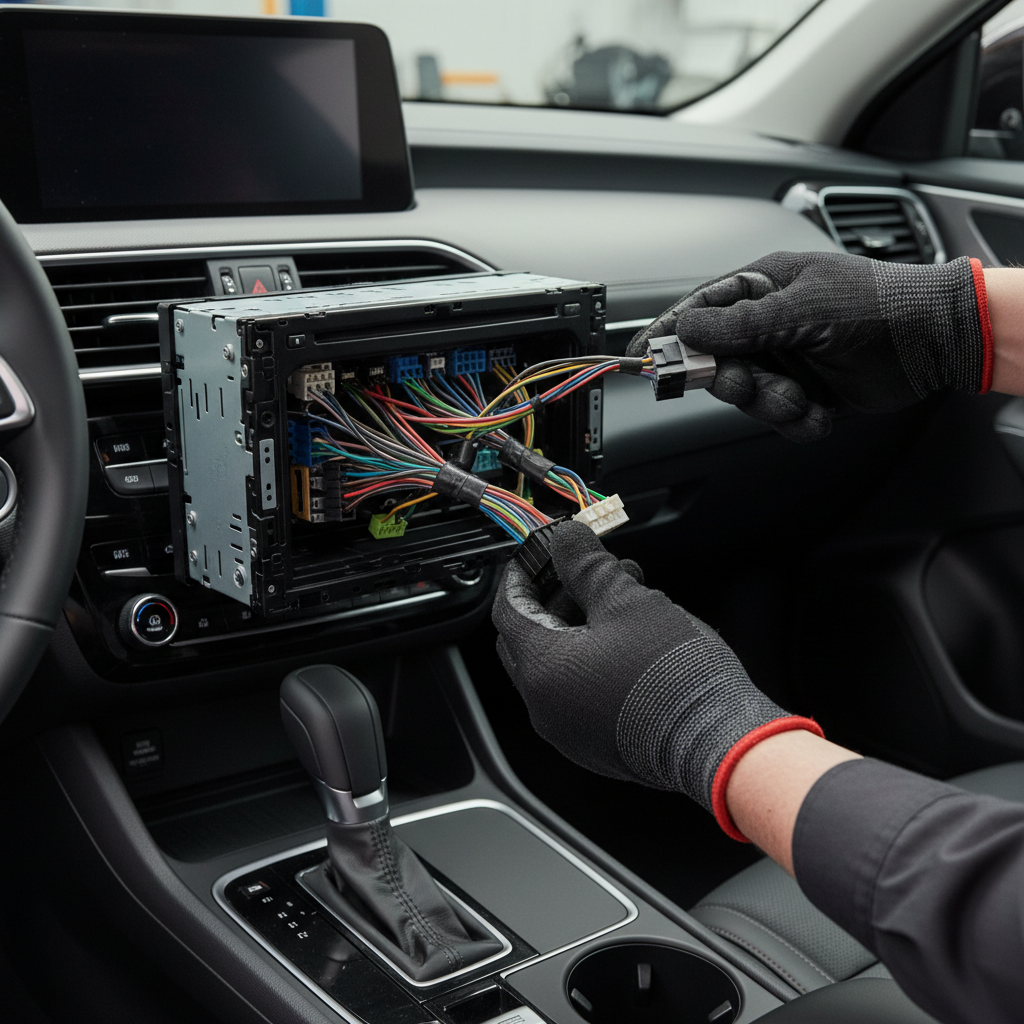
4) Inspect the head unit harness connection (only if you can access it safely)
If the radio was recently installed, or you’ve had dash work done, a slightly backed-out connector can produce strange “buttons not working” behavior.
- Use trim tools to avoid cracking panels.
- Confirm connectors are fully seated and latched.
- Check for bent pins, corrosion, or loose ground points.
Many people get stuck here because modern dashboards integrate HVAC, infotainment, and safety systems. If you feel resistance or you’re unsure which panel to remove, it’s reasonable to stop and avoid breaking clips or triggering warning lights.
If it’s a touchscreen unit: don’t ignore calibration and software
Sometimes the “buttons” that fail are on-screen controls, or the screen registers touches in the wrong area.
- Look for a calibration menu: Some systems have a hidden or service menu that recalibrates touch input.
- Update firmware if available: OEM updates may come through dealer service, while aftermarket units often have downloadable updates.
- Rule out temperature-related lag: In very hot cabins, touch layers can behave poorly until the unit cools.
According to FCC guidance on electronic devices, interference and improper installation can affect electronic performance. It’s not the most common cause for dead buttons, but if your issues started after adding chargers, dash cams, or LED accessories, it’s worth testing with those unplugged.
If you’re chasing how to fix car radio buttons not working on a newer infotainment system, software is a bigger part of the story than it used to be, especially after low battery events.
Common mistakes that waste time (or make the problem worse)
- Spraying cleaner into the buttons: It can temporarily “feel fixed,” then corrode contacts later.
- Replacing the head unit before testing power and ground: A weak ground can mimic a failing radio.
- Ignoring battery health: Low voltage during cranking can cause infotainment glitches. If the car struggles to start, address that first.
- Assuming one fuse covers everything: Some vehicles have multiple infotainment-related fuses, including amplifier and accessory circuits.
- Forgetting anti-theft/code behavior: After power loss, some OEM systems require a relearn or code entry.
When to get professional help (and what to ask for)
If you’ve tried resets, surface cleaning, and basic fuse checks, and the issue persists, the next step is usually diagnosis with proper tools.
- Repeatedly blown fuses: Ask for a short-to-ground diagnosis and harness inspection.
- Intermittent operation tied to bumps: Ask them to check connector pin tension, ground integrity, and solder joint issues.
- Multiple controls failing across modules: Request a battery/charging system test and a scan for body control module codes.
- OEM infotainment with updates/TSBs: Dealers can check for software updates or known issues. Mention the exact symptoms and when they started.
For many drivers, a reputable car audio shop is a good middle ground: they see harness and head unit failures daily and can often pinpoint whether the fix is a front panel, a wiring issue, or a full replacement.
Key takeaways and a simple action plan
If you’re still wondering how to fix car radio buttons not working, stick to this order: confirm it’s not a lockout, perform a real reset, clean safely, then check fuses and power. Only after that does it make sense to open the dash and inspect wiring.
- Today: Do the 5-minute checks, then a soft reset and quick cleaning.
- This weekend: Verify fuses and, if accessible, inspect the harness connection.
If your symptoms suggest a short, repeated fuse failures, or a complex OEM infotainment issue, book diagnostic time rather than guessing parts, it typically saves money and frustration.
FAQ
Why do my car radio buttons stop working but the display still turns on?
That often points to a front-panel contact problem (dirty membrane, worn switches) or a software/input glitch rather than total power loss. A soft reset is worth trying before assuming hardware failure.
How do I reset an OEM car radio when buttons don’t respond?
Many systems reset with a long-press on the power/volume knob. If there’s a reset pinhole, use it gently. Battery disconnect resets can help, but check your owner’s manual first because some vehicles require code entry or relearn steps.
Can a blown fuse cause only some radio buttons to not work?
Usually a blown fuse knocks out the whole unit, but some setups split power between the head unit and an external amplifier or control module. That’s why checking all audio/ACC-related fuses matters.
Is it safe to use contact cleaner on car radio buttons?
It can be safe in certain electronics repair contexts, but spraying from the front can push liquid into places it shouldn’t go. If you’re not opening the unit, stick to surface cleaning and let a technician handle deeper cleaning.
My radio buttons don’t work after a jump start, what should I do?
Low voltage or voltage spikes can confuse infotainment modules. Try a proper soft reset, then confirm the battery and charging system are healthy. If the issue repeats, a scan for related codes can help.
Do steering wheel controls working mean the radio itself is fine?
It suggests the head unit has power and is communicating, but the front button panel may be failing. It’s a useful clue, not a full pass.
How much does it typically cost to fix non-working radio buttons?
It varies a lot by vehicle and whether it’s cleaning, a front-panel repair, wiring work, or replacing the unit. If you want to avoid guessing, pay for a focused diagnostic first and ask for an estimate by repair path.
If you’re trying to fix this quickly and would rather not pull trim or chase wiring, an audio shop can usually confirm whether it’s a simple power/ground issue, a front-panel failure, or an OEM software problem, and that clarity is often the real time-saver.