
How to fix car key fob not working after battery change usually comes down to a few very specific issues: the battery is installed wrong, the fob contacts are not touching, or the fob needs to be re-synced to the car. The good news is you can often sort it out at home in under 30 minutes, with basic tools and a little patience.
This problem matters more than it sounds, because a “dead” fob can lock you out, disable push-to-start, or trigger a no-start situation right when you need the car. And it’s frustrating because you already did “the right thing” by replacing the battery.
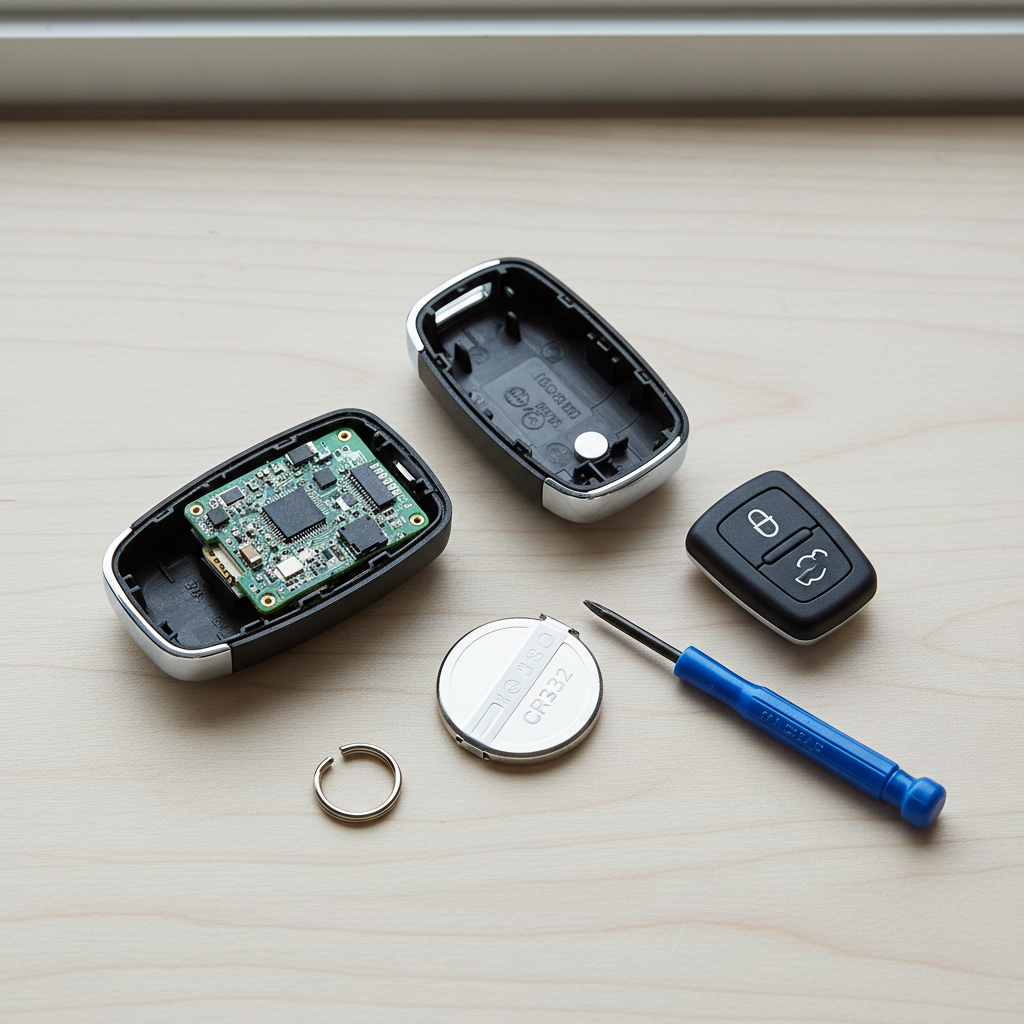
I’ll walk through the most common causes, a quick self-check list, and step-by-step fixes for both traditional remotes and smart keys. If your vehicle is newer or uses an immobilizer system, you’ll also see where DIY ends and a locksmith or dealer becomes the smarter move.
What usually goes wrong after a battery change
Most “it still doesn’t work” cases are not a bad fob, they’re small details that are easy to miss when you’re prying a tight case open.
- Battery orientation: coin cells work only one way. Flip it and the fob looks fine but stays dead.
- Wrong battery type: CR2032 vs CR2025 vs CR2016, same diameter, different thickness. Some fobs need the exact thickness to maintain contact.
- Plastic film or oily residue: a clear shipping film or skin oil can interrupt contact on some holders.
- Bent or dirty terminals: the metal clips inside can get pushed down during removal.
- Case not fully snapped: many fobs rely on pressure from the housing to keep the battery tight.
- Fob lost synchronization: some models need a re-learn procedure after power loss.
- Car-side issue: a weak 12V car battery or interference can make a healthy fob seem broken.
Fast self-check: figure out which situation you’re in
Before you chase programming steps, do a quick reality check. This is where most people save time.
- Any response at all? Does an LED on the fob blink when you press a button (if your fob has one)?
- Does the mechanical key work? If you can unlock the driver door with the metal key, you can at least access the car for further steps.
- Does it fail on all buttons? Lock, unlock, trunk, panic. If one works and others don’t, you may have a worn button pad, not a battery issue.
- Does it work right next to the door handle? If proximity helps, you may be dealing with a weak battery, contact issue, or signal interference.
- Push-to-start behavior: does the dash say “Key Not Detected” or does it recognize the key but won’t crank?
Quick triage table
| Symptom | Most likely cause | Best first fix |
|---|---|---|
| No LED, no buttons work | Battery upside down, wrong type, poor contact | Re-seat battery, verify part number, clean contacts |
| Works only at very close range | Weak battery, bent terminal, interference | Try a known-good brand battery, inspect terminals |
| Locks/unlocks don’t work, but car starts | Remote portion not synced or button pad issue | Re-sync procedure, check rubber keypad alignment |
| Remote works, car says “Key Not Detected” | Smart-key transponder issue or car-side receiver issue | Use emergency start method, then diagnose further |
| Nothing works after you washed/dropped fob | Moisture/corrosion or cracked circuit board | Dry/clean carefully, consider locksmith repair |
Step-by-step: fix the battery, contacts, and case fit
If you want the highest success rate with the least drama, start here. Even when the issue feels “programming related,” the culprit is often physical contact.
1) Confirm the exact battery number
Check the old battery’s label and the fob’s manual (if available). If you already tossed the old one, look up the battery spec for your make/model/year. Don’t assume “any 2032 works” when your holder was designed around a thinner cell.
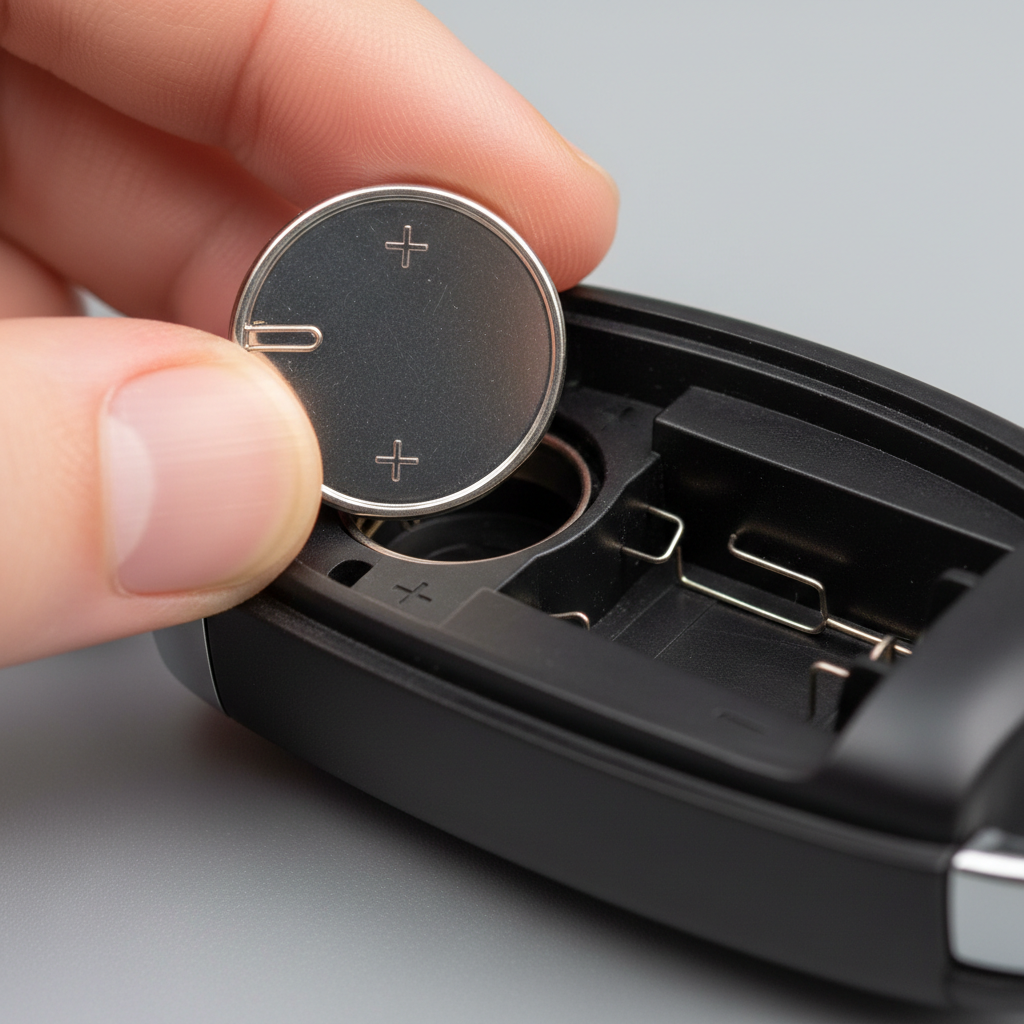
2) Check polarity and re-seat the battery
Match the “+” on the battery to the “+” marking inside the fob. Then remove and re-insert once more, gently, to ensure it sits flat.
3) Clean contact points (lightly)
Use a dry microfiber cloth first. If you see grime or light corrosion, a small amount of isopropyl alcohol on a cotton swab can help, then let it fully dry. Avoid scraping aggressively, those clips bend easier than people expect.
4) Inspect and gently lift battery terminals
If a metal clip looks flattened, it may not press firmly on the battery. Use a plastic pick or a tiny flat tool to lift the clip a hair, not a full bend. If you’re forcing it, stop, that’s where clips snap.
5) Reassemble the housing with intention
Make sure the rubber button pad aligns with the case posts, then snap the fob fully closed. A half-closed seam can cause intermittent contact and “randomly works” behavior that drives people nuts.
Re-sync or reprogram: when the car and fob stop talking
If the fob powers up but still won’t lock/unlock, you may need a re-sync. Procedures vary a lot by manufacturer, and some modern vehicles require a scan tool or security access.
Still, there are a few patterns that show up often:
- Basic re-sync: cycling the ignition a certain number of times, then pressing lock/unlock within a time window.
- On-board programming (older models): a door-open/close sequence plus ignition cycling to enter “learn mode.”
- Scan-tool programming (many newer models): requires a locksmith tool or dealer-level equipment.
According to AAA, automotive lockout and key issues are common roadside assistance calls, and they generally recommend contacting a professional when a vehicle requires programming beyond simple battery replacement. That’s especially true on late-model cars with immobilizer systems, where incorrect steps can waste time without fixing the root problem.
If you want to try DIY re-sync safely, use your owner’s manual first, it often lists the official steps or at least tells you whether on-board programming is supported. If the manual says “dealer only,” believe it.
Smart keys and push-to-start: try the emergency start method
When your push-to-start car won’t recognize the fob after a battery change, don’t assume the car is dead. Many vehicles have a built-in fallback start method.
- Look for the designated fob spot: often a slot, a pocket in the center console, or a marked area near the start button.
- Hold the fob against the start button: many cars can read the passive transponder even if the remote battery is weak.
- Press brake and start: watch for the “Key Detected” message to change.
If that works, you’ve proven the immobilizer chip is okay, and your problem is likely battery contact, remote transmitter function, or re-sync rather than a full key failure.
Real-world issues people overlook: interference and the car’s 12V battery
Here’s the part that feels unfair: sometimes the fob is fine and the environment is not.
Signal interference can come from parking near certain buildings, security systems, or even heavy RF congestion. If the fob suddenly works once you move the car a short distance, interference becomes a strong suspect.
A weak 12V car battery can also cause odd behavior, especially on vehicles loaded with electronics. You may see inconsistent unlocking, “no key detected,” or modules that don’t wake up quickly. According to NHTSA, maintaining your vehicle properly includes keeping electrical systems in working order; if you notice multiple electrical symptoms (slow crank, dim lights, warning messages), checking the car battery and charging system is a reasonable next step.
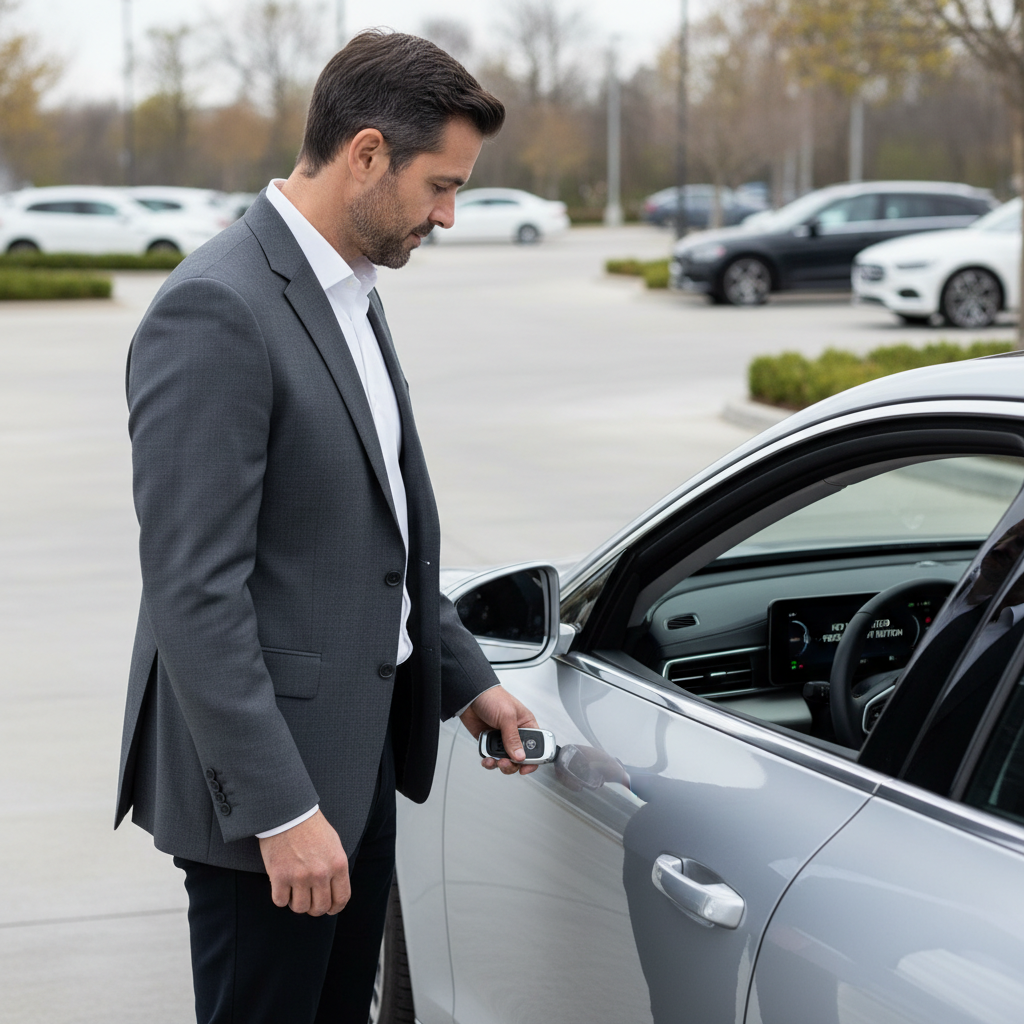
One easy test: try your spare key fob. If the spare behaves the same way in the same location, the car or environment is more likely than the fob you just opened.
Key takeaways and a practical “do this next” checklist
If you only remember a few things, remember these.
- Most failures after a battery change are contact or orientation issues, not a broken fob.
- Battery thickness matters on some fobs, even when the number seems “close enough.”
- Re-sync steps are model-specific, and many newer cars require professional programming.
Try this order:
- Confirm battery number, brand-new, correct polarity
- Clean contacts and re-seat battery, snap case fully closed
- Test at close range, then test away from possible interference
- Use the push-to-start emergency method if applicable
- Check the owner’s manual for re-sync guidance
When to call a locksmith or dealer (and when it’s urgent)
If you’ve done the physical checks and the fob still won’t communicate, professional help may be the cost-effective path, especially if you’re burning time before work.
- Go pro if your vehicle requires scan-tool programming and the manual hints at dealer-only procedures.
- Call sooner if you have no spare key, because one lost or failed fob can turn into a full lockout.
- Consider a locksmith for many makes, they often handle programming on-site, but capabilities vary by model and year.
- Urgent situation: you’re stuck somewhere unsafe, weather is severe, or the car won’t start and you need immediate transport, roadside assistance is the right call.
Also, if you see corrosion on the circuit board or the fob took on water, the “battery swap” problem may actually be component damage. At that point, replacement or repair becomes more realistic than repeated re-sync attempts.
Wrap-up: get the fob working without guessing
The fastest path is boring: verify the correct coin cell, confirm polarity, make sure the terminals bite, then only move to re-sync steps if the fob clearly has power. If you’re stuck after those checks, it’s not you missing some secret trick, many late-model cars genuinely lock programming behind professional tools.
If you want to act right now, grab a known-good battery from a reputable brand, re-seat it carefully, and test the spare fob in a second location. That combo usually tells you whether you’re dealing with the fob itself, the car, or the environment.
FAQ
- Why is my key fob not working after I changed the battery?
Most often the battery is upside down, the wrong thickness, or not making solid contact with the terminals. Re-seating and snapping the case fully closed fixes a surprising number of cases. - Do I need to reprogram my key fob after replacing the battery?
Many vehicles do not require reprogramming for a simple battery swap, but some do need a re-sync procedure. Your owner’s manual is the safest place to confirm what your model supports. - My key fob LED lights up but the car won’t unlock, what does that mean?
That usually means the fob has power, but the signal isn’t being accepted, either due to lost synchronization, interference, or a car-side receiver issue. Try re-sync steps and test in a different location. - Can a cheap battery cause a key fob to stop working?
It can. Some off-brand coin cells have inconsistent voltage under load or slightly off dimensions. If symptoms are intermittent or range is poor, trying a quality battery is a reasonable test. - How do I start my push-to-start car if the key fob battery is dead?
Many cars can read the transponder when you hold the fob against the start button or place it in a designated pocket/slot. The exact spot varies, so check the manual for the emergency start method. - Why does my key fob work only when I’m next to the car?
That points to weak power, poor battery contact, or signal interference. Start with a new correct battery and check terminals, then test away from dense electronics or secure buildings. - Should I go to the dealer or a locksmith for key fob programming?
For many cars, an automotive locksmith can program fobs on-site, but some makes and newer models require dealer tools or security access. If the manual says dealer-only, a locksmith may still help, but confirm before you pay a trip fee.
If you’re dealing with a key fob that still won’t respond after the basic checks, or you suspect your car needs re-sync/programming, it may be easier to contact a local automotive locksmith or your dealership service desk with your year/make/model in hand, they can usually tell you quickly whether it’s a DIY reset or a tool-required job.